Open pages by voice, and Nabu's voice works even when the live call can't connect
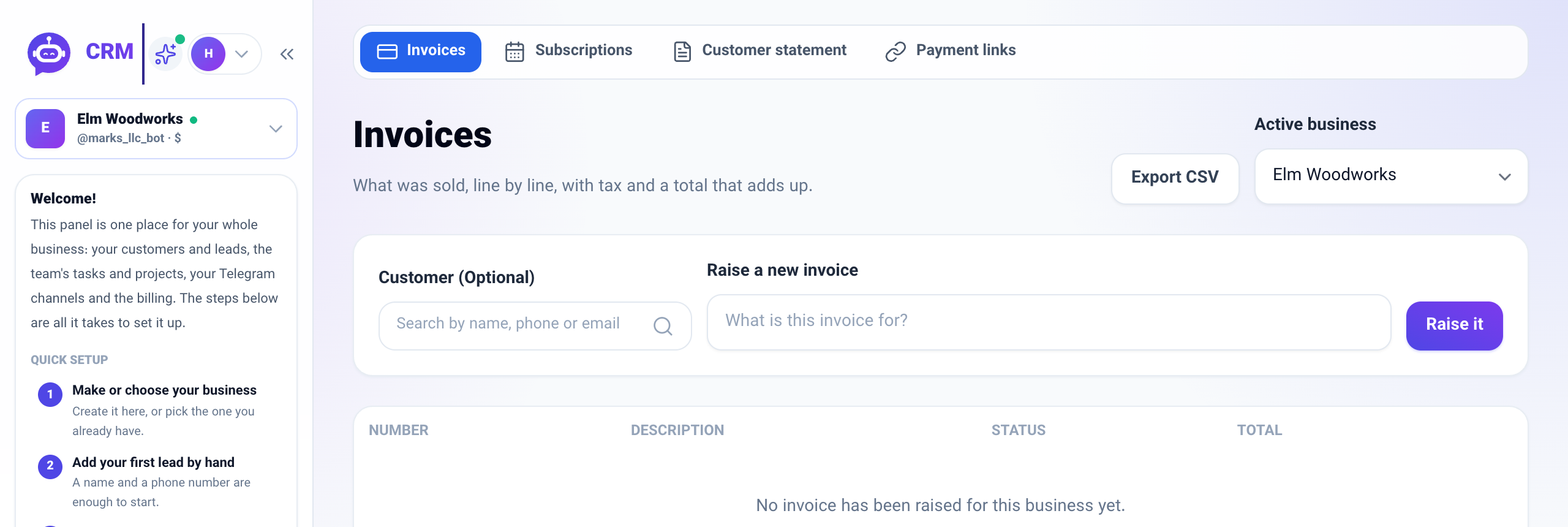
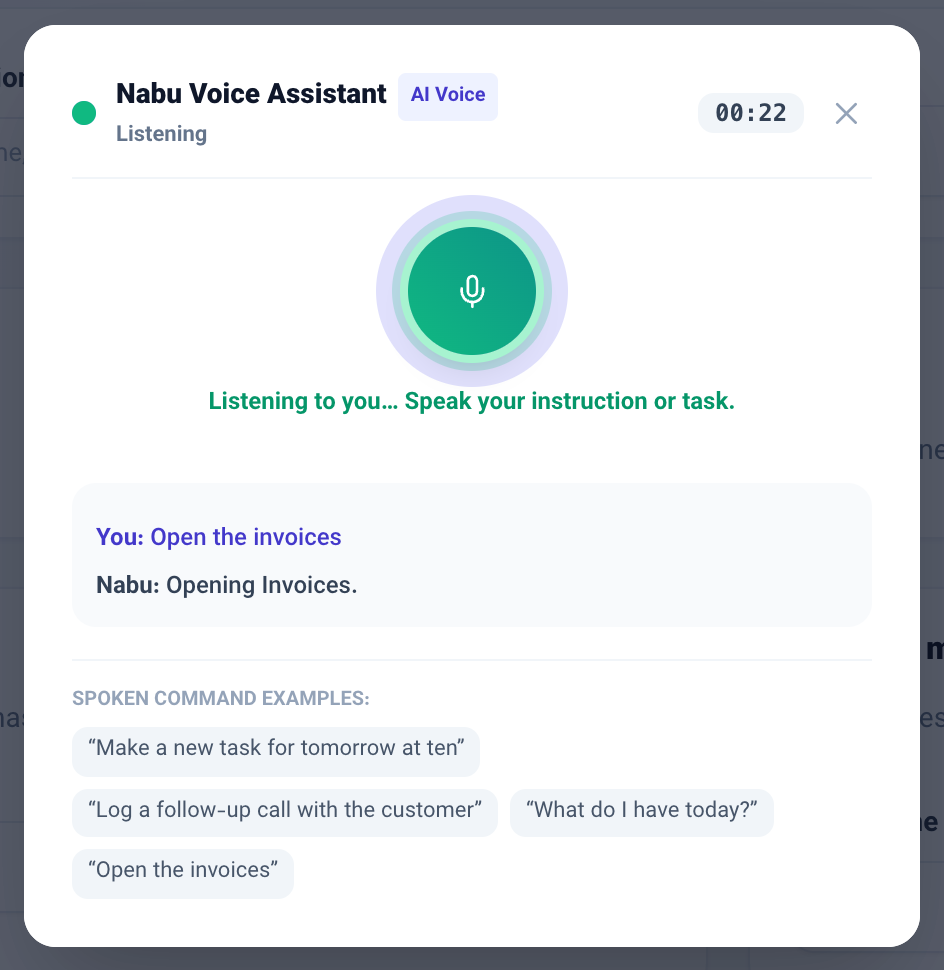
Say "open the invoices" and that page opens while the conversation goes on. If the live call can't connect, Nabu listens through our own server's transcription and answers in a natural voice instead of the phone's.
Product update 2 min read
What changed
Opening a page by voice
- On a voice call, say "open the invoices", "go to customers" or "open the pipeline". That page opens, and the call goes on on the new page.
- Only pages your seat may open are opened. If it isn't clear which page you mean, Nabu asks.
- While a call is on, the ✦ button in the top bar turns green. Tap it to bring the call window back.
Voice when the live call can't connect
- If the live call can't connect (for example, when the voice service isn't available), Nabu carries on by itself. Your words are turned into text by our own server, the console answers, and the answer is read in a natural voice rather than the phone's, which often has no Persian voice.
- While Nabu speaks, the microphone isn't listening, so its own voice isn't taken for a question.
- Saying "yes" approves only everyday actions (a note, a reminder, a task, an appointment). Payments, deletions and bulk changes still need the button.
The top bar's microphone
- "Open …" opens that page.
- Questions and other commands go to the console and are answered there. Before, your words were only shown back to you, and a question like "what do I have today?" was wrongly turned into a task.
- "Make a task …" still makes the task right there.
How to use it
- In the top bar, tap the ✦ button next to the microphone to start a call.
- Say "open the invoices". The page changes and you can go on, for example "what do I have today?".
- To get back to the call window, tap the green ✦ button. To end the call, tap Stop or ✕.
- For a quick command without a call, tap the top bar's microphone, speak, and tap the tick.
Good to know
- Speech recognition is accurate for everyday business Persian, and each sentence takes about one to three seconds. The common slip where «پرداختنشده» ("unpaid") was heard as «پرداختن شده» is fixed.
- Reading answers aloud uses the business's AI credit. Long answers are read only to the end of their first few sentences; the full text is on the screen and in the thread.