Owner reports and approvals now reach Bale too
The AI employees' report, the reply coach's weekly report, business alerts, the cash radar warning and document approval requests now come from the business's own Bale bot as well as Telegram — and a document can be approved right there with /approve_doc_N.
Product update 3 min read
What changed
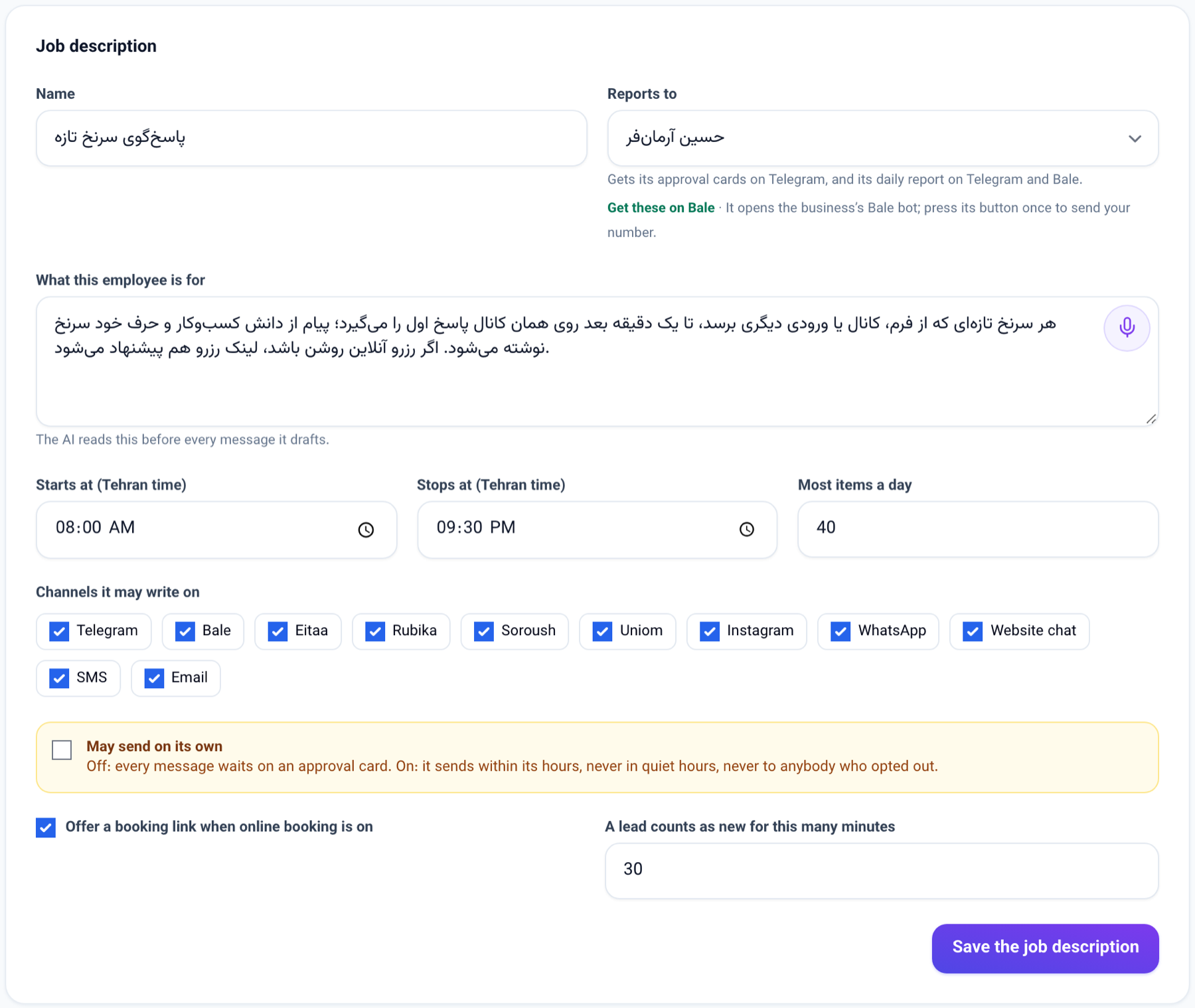
Until now every report meant for an owner or a manager went to Telegram only. Now each of them also comes from the business's own Bale bot, into your own chat with it:
- the AI workforce's evening report, to the person the AI employees report to
- the AI reply coach's weekly report, to the owner
- Business alerts, once sending alerts is on
- the Cash radar morning warning, when a week ahead runs short
- the "Waiting for your approval" message, to the approver of a document an Approval rule holds
The weekly pack of pinned answers goes to Bale as before, now along the same shared road.
If you are on both Telegram and Bale, you get both. If you are on neither, everything is on the panel and in My messages, as before.
A document approval can be answered on Bale itself: the message carries /approve_doc_N and /reject_doc_N, and sending one approves or turns down that step, exactly like Approve and Turn down on the panel.
How to use it
- The business's Bale bot must be connected under Messaging channels, with the bot's username filled in there.
- While Bale does not reach you yet, you see a Get these on Bale link under Reports to on each AI employee's page, in the AI reply coach's weekly report section, in the Business alerts settings and on Approval rules. Press it and Bale opens a chat with the business's bot.
- In Bale, press Send my number. If it is the number you sign in to the panel with, the bot says your reports now come to this chat; if it is not, it says so and asks again.
- From then on the reports and approval messages arrive in that chat. To approve or turn down a document, tap the command under the message.
With no bot username on file, a hint shows instead of the link: write to the business's Bale bot once, then send it your own contact card from Bale's attach menu.
Good to know
- Bale cannot send the webhook secret as a header, so under Messaging channels the Bale webhook address carries its secret inside it. Copy that address and register it as the Bale bot's webhook.
- There is no new setting: Bale is used only for somebody who has shared their own number with this business's Bale bot in their own chat with it. A report never goes to a group, even one your number was shared in.
- The Get these on Bale link lasts an hour and is for this business only. A link that reaches somebody else gets them nowhere: the chat is linked to you only by your account's own number.
- An approval command on Bale acts only when it comes from the own chat of the approver the step waits on. From anybody else, or in a group, it is an ordinary customer message and nothing is decided. Each business's Bale bot reaches only that business's documents.
- If two people in the business carry the same number, that chat speaks for neither of them.
- AI employees' approval cards (/approve_N) are still answered on Telegram and on the panel only; the Bale copy of the report links to the AI workforce page instead of those commands.