Hand one task to several people at once
When you create a task you can now tick several colleagues besides the one responsible. The task shows on every one of their My work lists.
Product update 2 min read
What changed
Until now a task could be handed to one person only. The task form now has Also doing it (optional), where you tick as many colleagues as you need. Whoever you pick in Assign to stays responsible; the others work on it beside them.
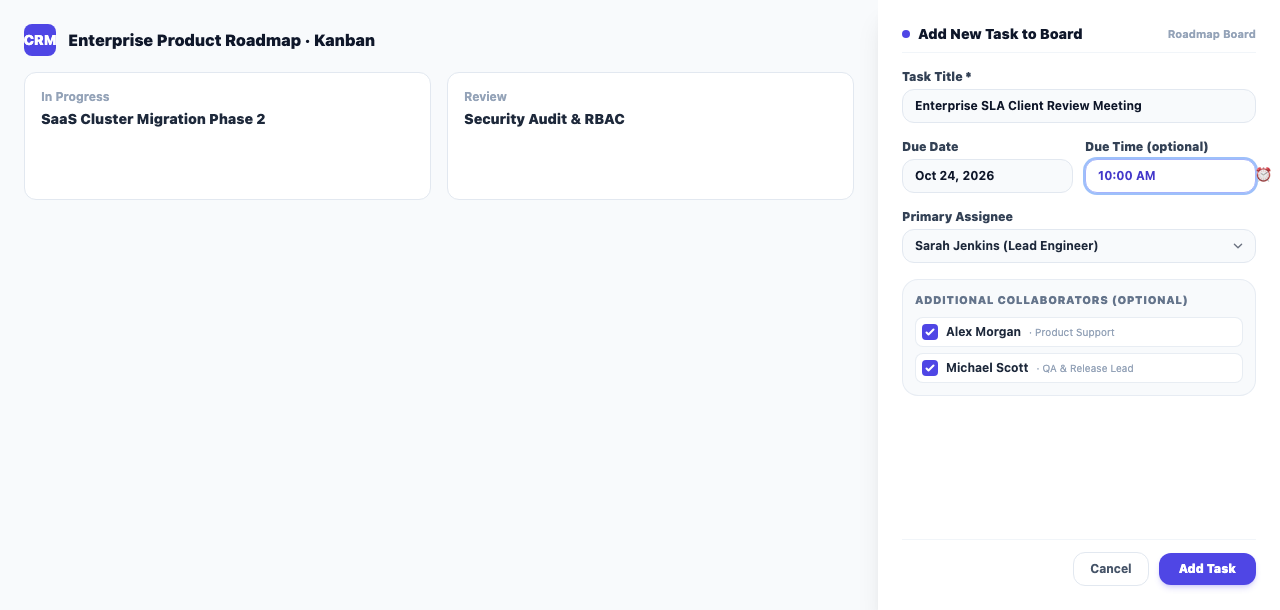
Each of them:
- is notified that a task was assigned to them,
- sees it on their own My work and in their morning digest,
- is reminded at its hour, when the task has one,
- and is let onto the board if the project is open to its members only.
How to use it
- On a project board, in Add a task, pick the responsible person in Assign to.
- Tick the others under Also doing it (optional) and press Add task.
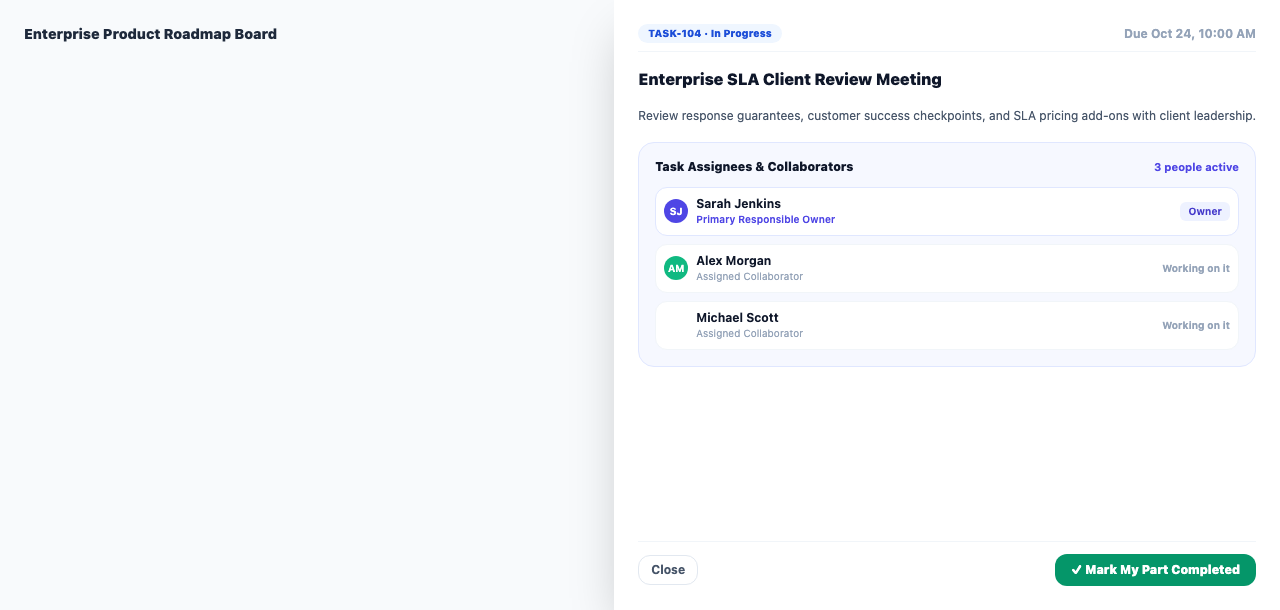
- For an existing task, open it and add or remove people under Also doing this.
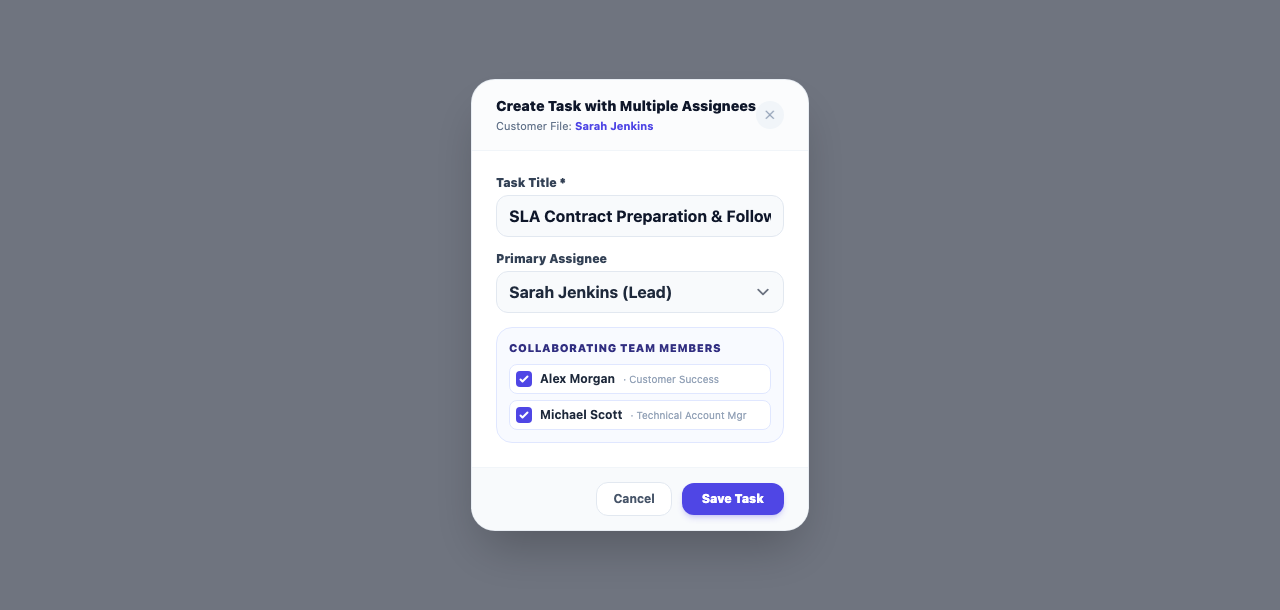
- The task dialog on a customer file has the same ticks.
Good to know
- Only colleagues of the same business can be picked.
- A board card shows "+2" beside the responsible person's name when two others are on the task.
- Each person can mark My part is done; after that they are no longer reminded.
- On a board in simple mode this section is hidden, like the other advanced fields.