The panel opens on your own Work desk
After sign-in you land on your personal Work desk instead of the sales pipeline: a greeting by name, quick buttons for a new task, follow-up, lead and letter, today's work, what is coming up and the latest activity. The panel also moves smoothly and consistently now.
Product update 2 min read
What changed
The panel's first page is now the "Work desk". It greets you by name with today's date in the business's calendar and offers quick buttons: "New task", "New follow-up", "New lead" and "New letter". Each shows only if your role and plan allow it.
Below the usual cards (today's tasks, overdue work, follow-ups and messages) are two new sections: Coming up, with today's and next week's follow-ups and meetings, and Latest activity, listing what the team did recently.
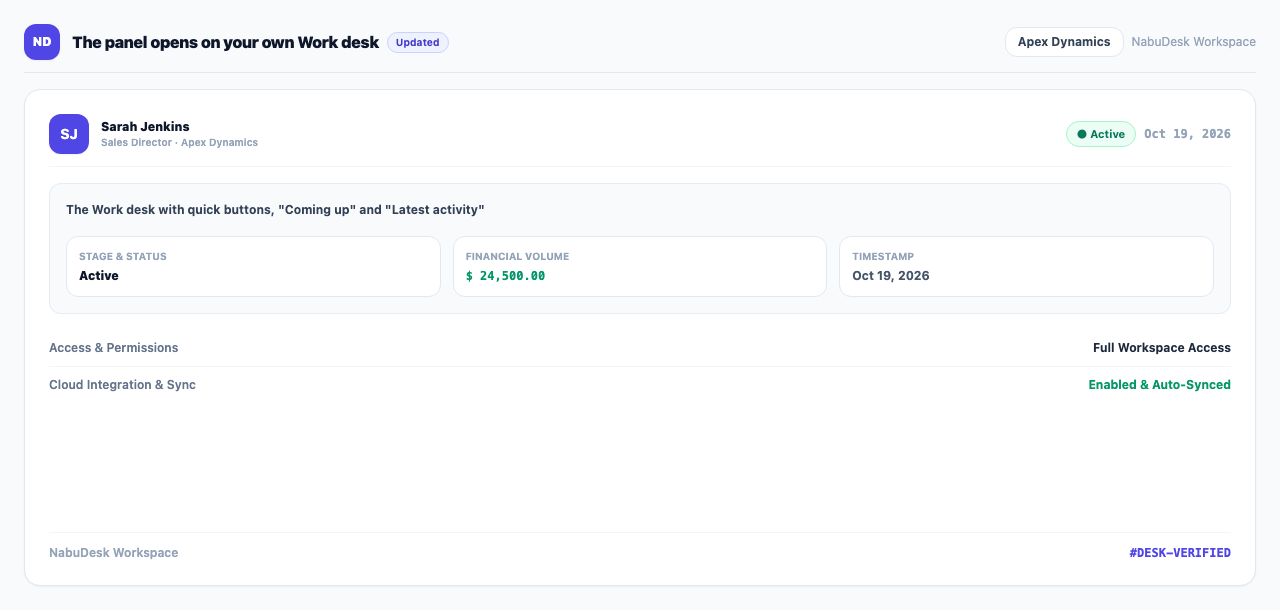
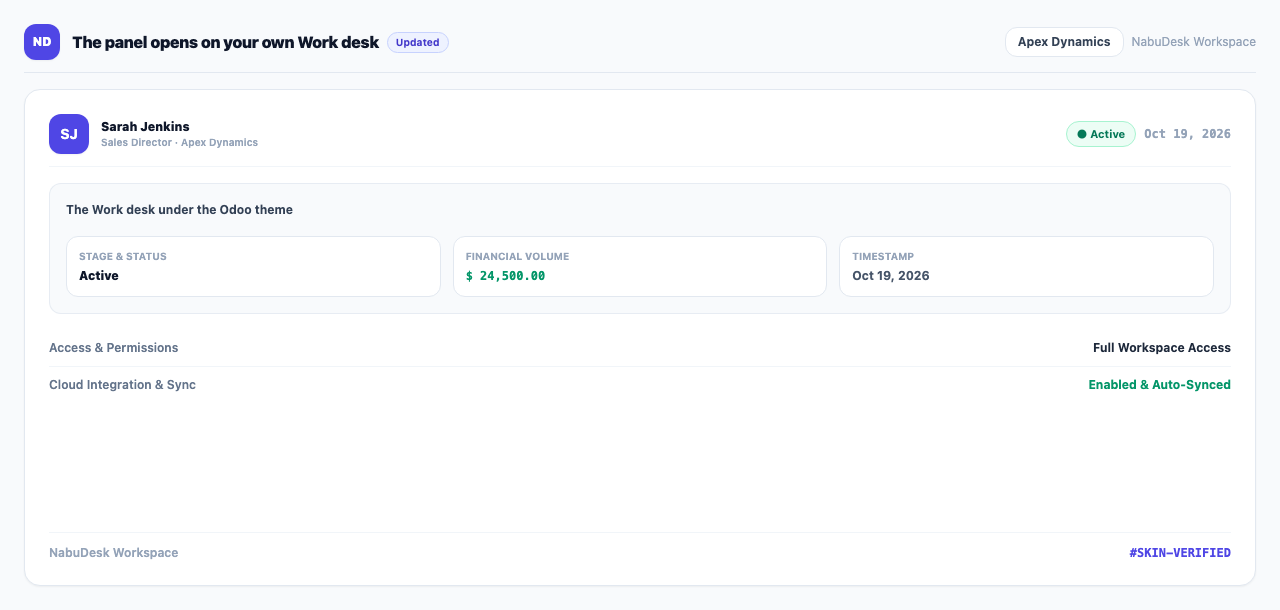
Each skin draws the greeting its own way; under the Odoo theme, for example, in Odoo's purple.
The phone's "Home" button now opens this page too, not the Metro tile board. Under "Home", "Businesses dashboard" comes first, with "Metro" and "Desktop" as its tabs.
Smooth motion across the panel
Headers, cards and table rows rise in as a page opens and numbers count up. Dialogs, menus and the ⌘K search open and close with one consistent motion, a Kanban card glides to its new column, and a new row arrives with a brief highlight.
How to use it
- Sign in; the Work desk opens by itself.
- For new work, press one of the quick buttons at the top.
- Press "See all" beside any section title to see everything in it.
Good to know
- If the tasks module is off, the panel opens on the sales pipeline as before.
- If "reduce motion" is on in your system settings, the motion is turned off.