Sales opportunities and money documents on every customer file
Record several sales opportunities with a value and probability on a customer file to get a weighted forecast. Record their cash, cheques and probable money there too; probable money turns overdue by itself after its date.
Product update 2 min read
What changed
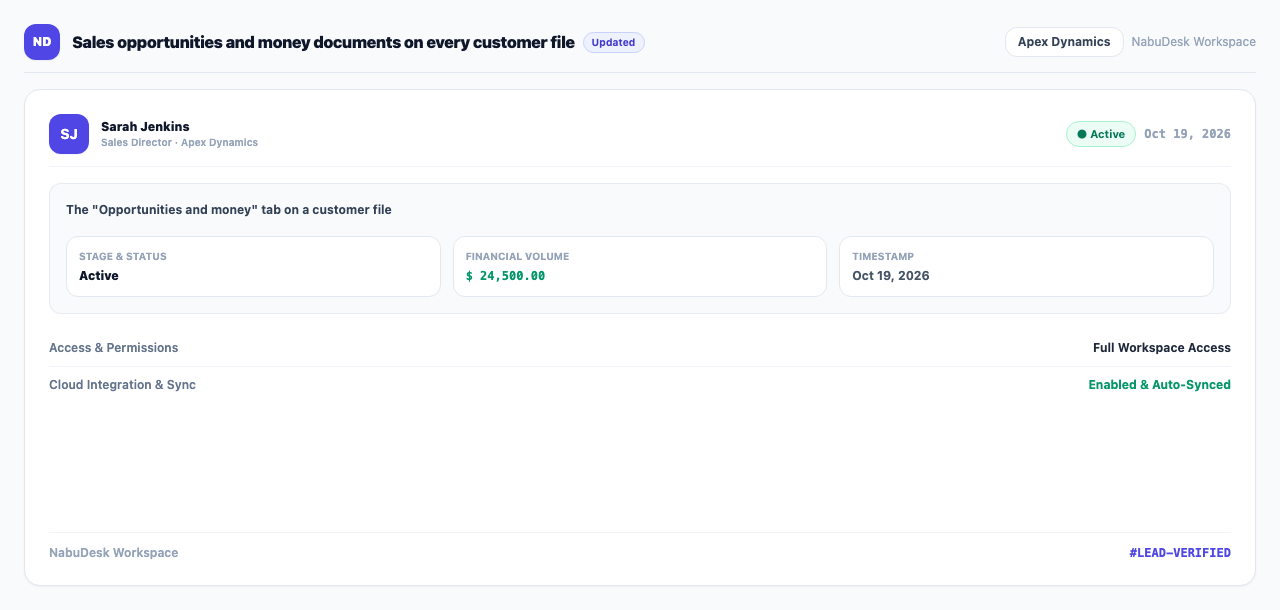
The customer file has a new "Opportunities and money" tab:
- Sales opportunities: record several per customer, each with a title, value, probability, owner and expected close date. The "Weighted value" (value times probability) gives a more honest forecast of what is coming.
- Financial documents: record cash, a cheque or probable money, in or out, with a due date. Probable money turns overdue on its own once the date passes. Any document can be settled, or voided with a reason.
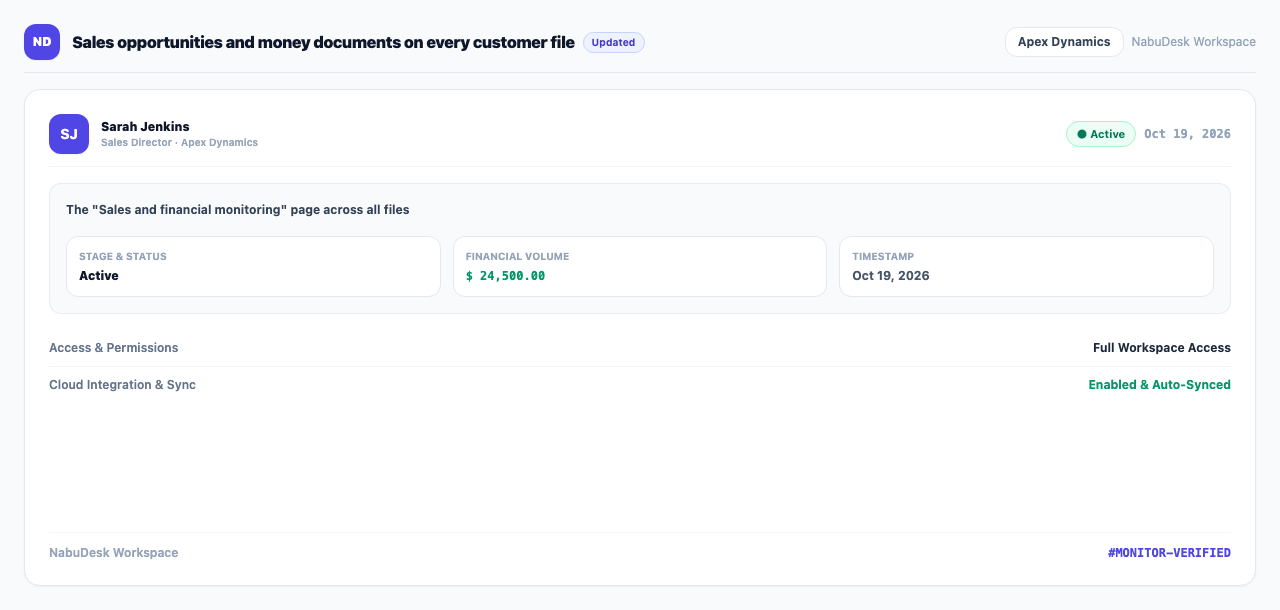
The new "Sales and financial monitoring" page shows the same across every customer, by year. The dashboard gains an "Overdue income" box you can hide or show with the eye icon.
How to use it
- Open a customer file and choose the Opportunities and money tab.
- Under "Sales opportunities", press "Add opportunity" and enter the value, probability and date.
- Under "Financial documents", press "Record document" and set the kind (cash, cheque or probable), direction and due date.
- When the money arrives, press "Settle" on the document.
- For every file at once, open Sales and financial monitoring and switch between "Sales monitoring" and "Financial monitoring".
Good to know
- Recording opportunities needs permission to edit customers; financial documents need billing access.
- The sales-monitoring tab is for roles that can view reports.