Bookings with opening hours, deposits, SMS reminders and your calendar
Each business sets its own hours and closed days, hands appointments to colleagues, takes a deposit at booking, sends an SMS reminder hours before, and shows bookings in Google, Apple or Outlook calendar.
Product update 2 min read
What changed
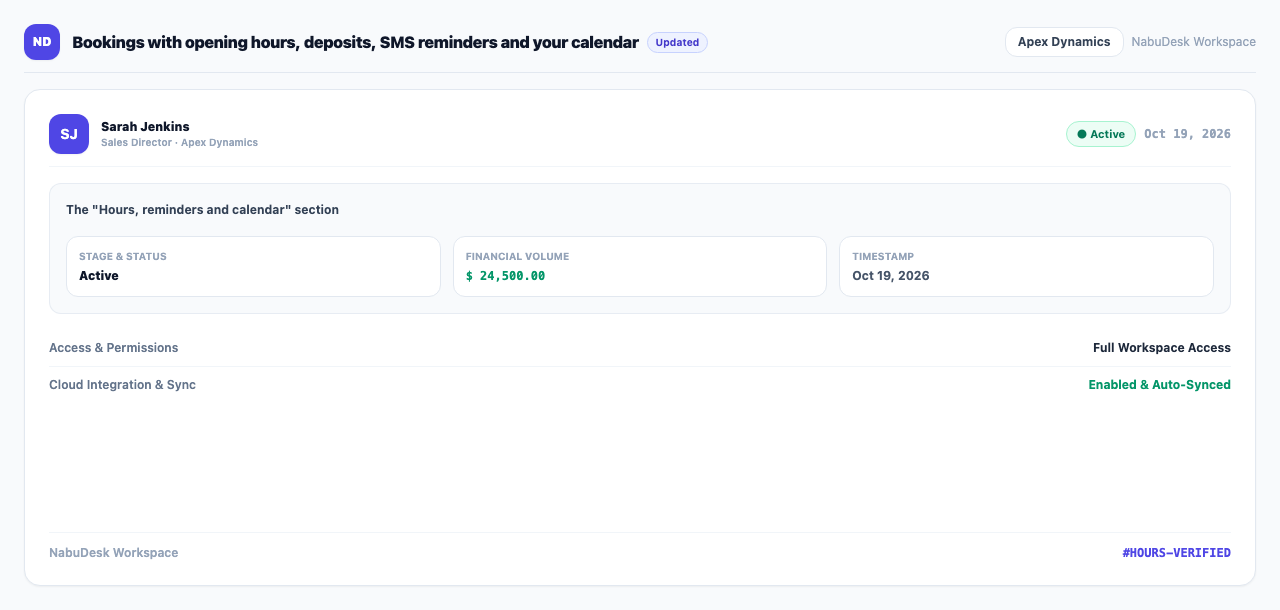
"Appointments (NabuBook)" has a new section, "Hours, reminders and calendar":
- Hours and closed days: set when you open and close and which days you are closed, so the booking page offers only real free times.
- Hand an appointment to a colleague: give any appointment to a teammate so it is clear who sees the customer.
- Deposits: set a deposit per service. The customer sees "Pay the deposit" on the booking page, and the appointment list shows "Deposit paid" or "Deposit not paid yet".
- Reminders: an SMS reminder goes out a set number of hours before the appointment, optionally followed by a call from the voice agent.
- Your calendar: make a private calendar address and subscribe to it in Google, Apple or Outlook calendar to see bookings next to everything else.
How to use it
- Under "Operations", open Appointments (NabuBook).
- Open Hours, reminders and calendar and set "Opens at", "Closes at" and the closed days.
- Type a number in "Remind this many hours before". Tick "Also call them with the voice agent" for a call as well.
- To see bookings on your phone's calendar, press Make a calendar address and add the address to your calendar app.
- To take deposits, enter a deposit amount on each service (blank means none).
Good to know
- Keep the calendar address private; anyone with it can read your bookings. Making a new one stops the old one.
- SMS reminders need the business's SMS set up.
- These settings are for the business manager.