The panel in 34 languages, with one simple language menu
The panel and site now come in 34 languages, from Persian, Arabic and English to Turkish, German, Russian, Urdu, Kurdish and Chinese. A new language menu replaces the old row of codes and works on phones too.
Product update 2 min read
What changed
The panel went from a handful of languages to 34. Every panel string is translated into them, and right-to-left languages such as Persian, Arabic, Hebrew, Urdu, Pashto, Sindhi and Sorani Kurdish switch the page direction themselves.
Instead of a row of language codes there is now one globe button with the current code (for example EN). Press it for a list of language names, each in its own script.
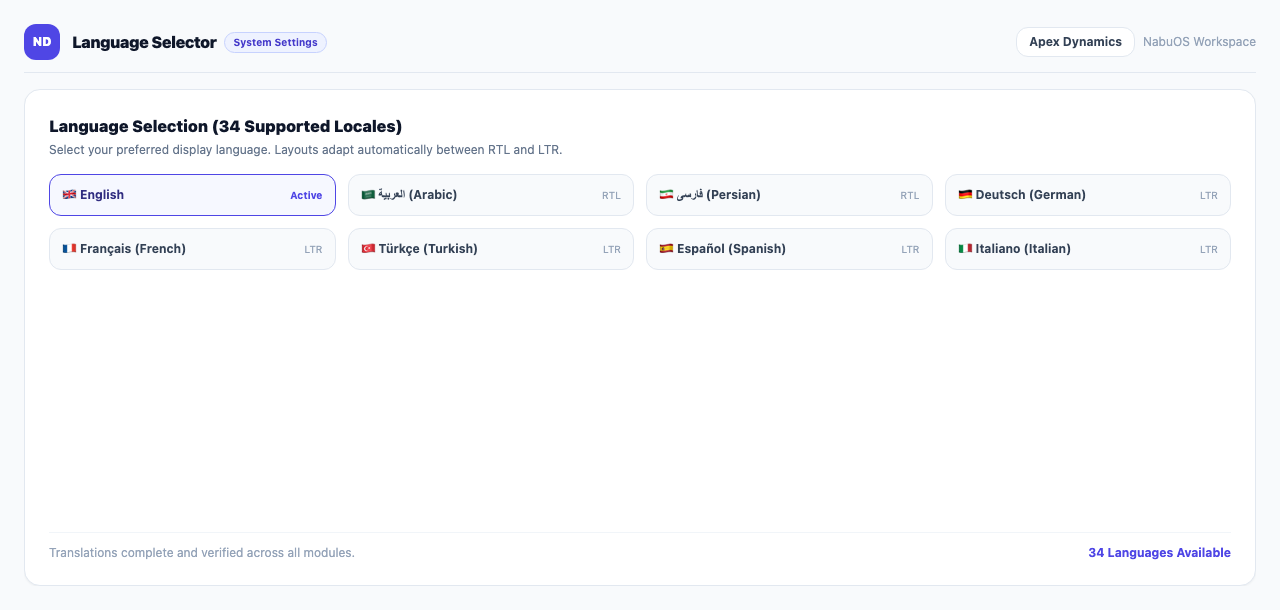
The menu is everywhere: the panel's account menu, the support desk's top bar, the phone menu, the Windows, macOS and Mizito skins, and the public site header.
How to use it
- Click your name at the top of the sidebar.
- Press the Language button (the globe and code).
- Choose a language from the list. The page reopens in it.
On a phone, tap "Menu" in the bottom bar; the language menu and dark mode are on that sheet.
Good to know
- The language is saved on your account, so every device you sign in on shows it.
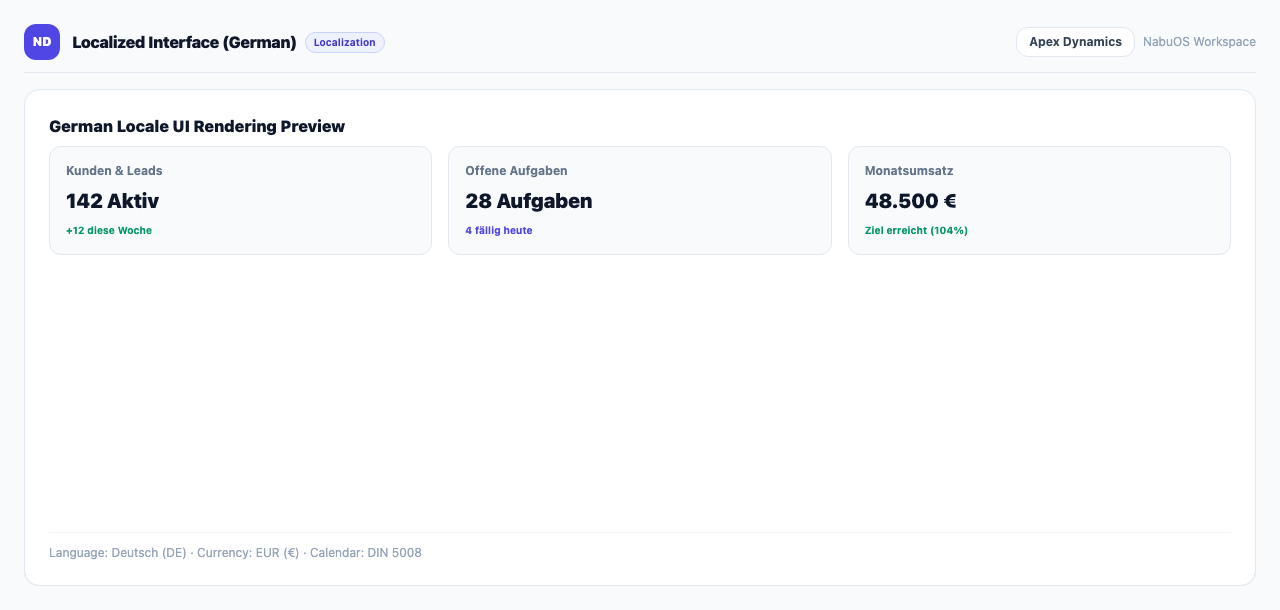
- Changing language changes the panel's own words only; what you typed yourself (customer names, task titles and so on) stays as it is.
- On phones the menu used to close the moment it opened. That is fixed.