Your online shop on Torob
The panel's online shop now speaks to Torob the way Torob's official WooCommerce plugin does: Torob reads your products and prices, hears which pages changed, and learns which orders it brought you.
Product update 2 min read
What changed
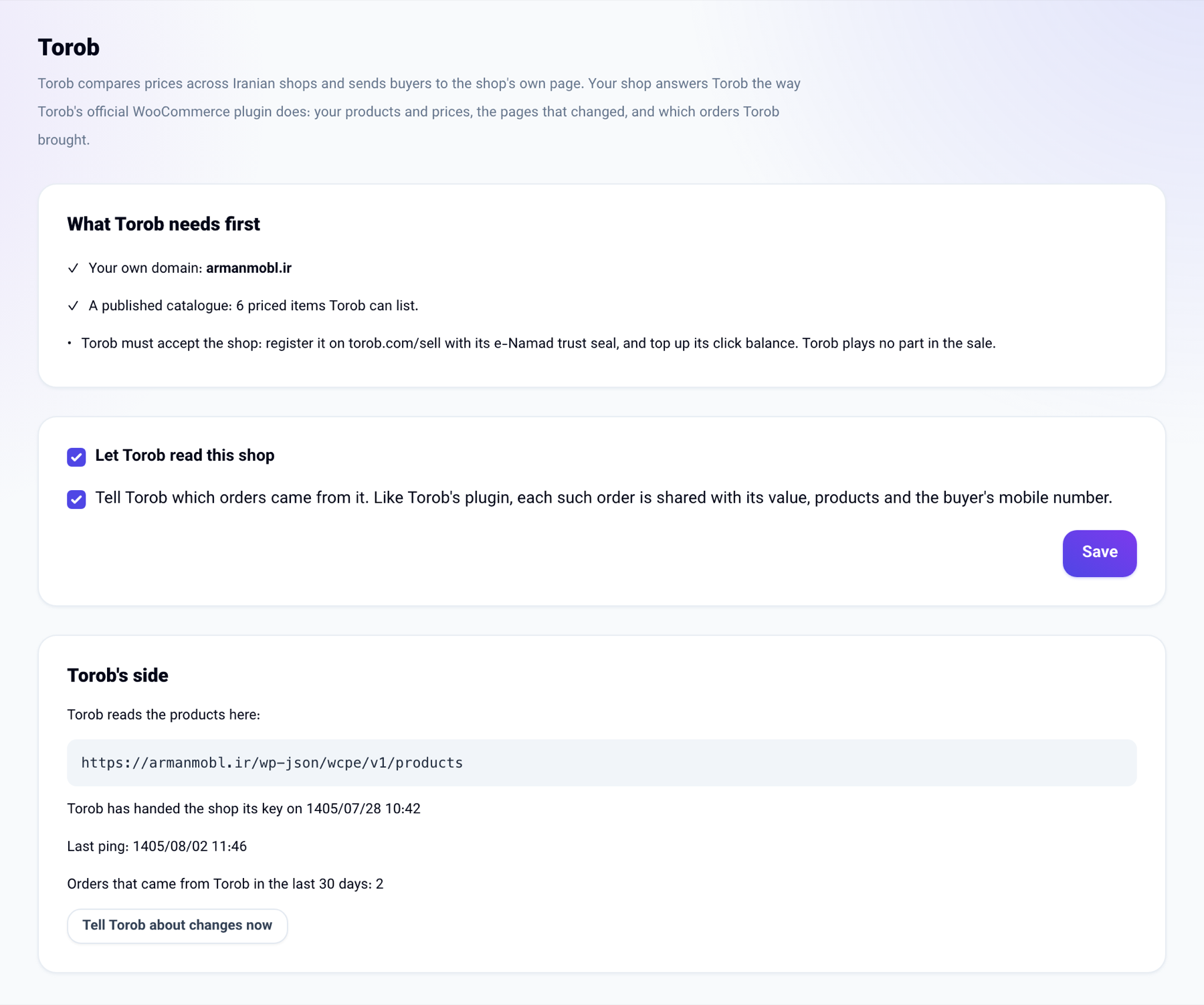
Torob compares prices across Iranian shops and sends buyers to the shop's own page. The panel's online shop (your catalogue with its cart) now:
- gives Torob its products, prices in toman, stock, pictures and SKUs, but only to a request that carries Torob's signature for your own domain;
- tells Torob every ten minutes which product pages changed, so a new price shows on Torob sooner;
- keeps the click id a buyer arrives with from a Torob link, writes it on the order they place, and, if you allow it, lets Torob read the list of orders it brought;
- opens each product's Torob link on your catalogue with that product shown first.
How to use it
- Torob knows a shop by its domain. If your business's public pages are not on a domain of your own yet, connect one under Businesses.
- Publish your catalogue and give its items prices.
- Open Contacts and leads → Online shop and go to the Torob tab.
- Tick Let Torob read this shop. If you want Torob to know which orders it brought, tick the second box too, then press Save.
- Register the shop on torob.com/sell with the same domain. Once Torob has read the shop it sends its key, and the tab shows that it arrived.
Good to know
- Torob still has to accept the shop: it needs the e-Namad trust seal, and you top up your Torob balance for the clicks. Torob plays no part in the sale itself.
- It is switched on per shop and stays off until you switch it on.
- Like Torob's plugin, the orders list gives Torob each order's value, products and the buyer's mobile number. An online order that has not been paid is not on it.
- Prices are what the shop shows today, in toman.
- Torob's servers are reported to answer only servers in Iran. If a ping does not reach Torob, the tab says so; this works on the Iranian installation of the panel.
- Only somebody who manages the business sees this tab. The console can also tell you how the shop stands on Torob.