Pin a console answer to the Work desk; it is read again every morning
Under every console answer with a figure or a chart there is "Pin to Work desk". A pinned answer is re-read every morning with the same tools, can be shared with colleagues, and a weekly pack of pinned answers goes to the owner's Telegram or Bale.
Product update 2 min read
What changed
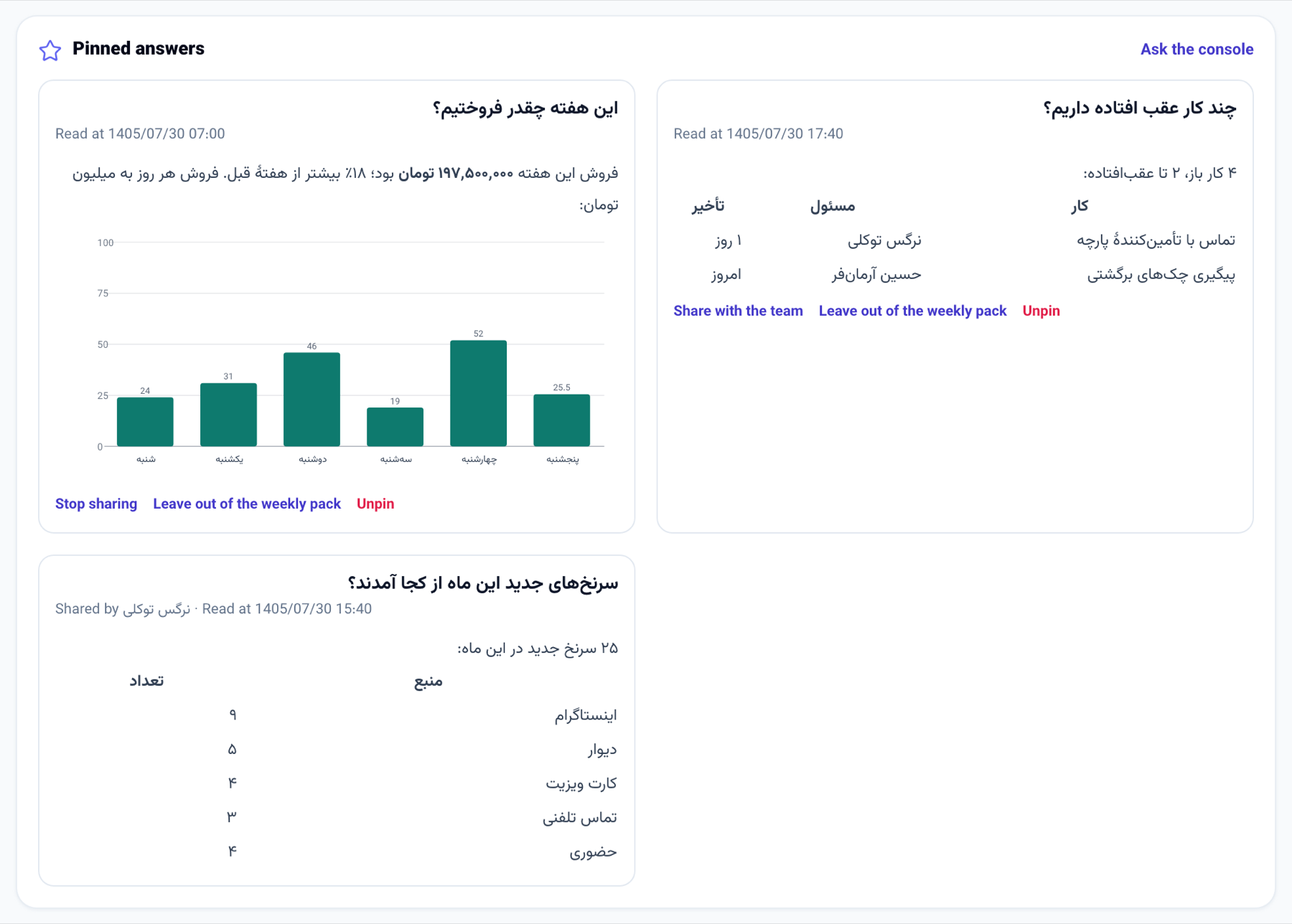
A question you ask the console every day — "How much did we sell this week?", "How many tasks are overdue?" — is now asked once and stays on the Work desk.
- Under an answer with a figure or a chart, press "Pin to Work desk". The answer shows in the new "Pinned answers" panel on the Work desk.
- Every day at 07:00 business time the same question is answered again with the tools it read the first time — read only, nothing changed.
- "Share with the team" shows the tile on the Work desk of colleagues whose seat reads reports.
- On Saturdays at 09:00 the "weekly pack" of pinned answers goes as one message to the owner's Telegram, and to Bale too when the owner chats with the business's own Bale bot and shared their number.
- The phone app's console has "Pin to Work desk" under its answers as well.
How to use it
- Open "Console (NabuOS)" and ask something whose answer is a figure or a chart.
- Under the answer, press "Pin to Work desk".
- Open "Work desk"; the answer is under "Pinned answers".
- On the tile, press "Share with the team", "Leave out of the weekly pack" or "Unpin".
Good to know
- Each person keeps up to 12 pinned answers per business.
- The morning refresh spends the business's AI credit, like standing questions; with no credit left the tile keeps its last answer.
- A shared tile shows the figures its owner's seat could read; sharing is the owner's decision to show them.
- The weekly pack is for the owner of the business and goes once a week.